


A football fixture can appear to have two different start times when two websites are simply using different clocks. One may show the venue’s time, another a broadcaster’s schedule and another the reader’s local setting. Before deciding that a fixture has changed, keep the date, time and zone together.
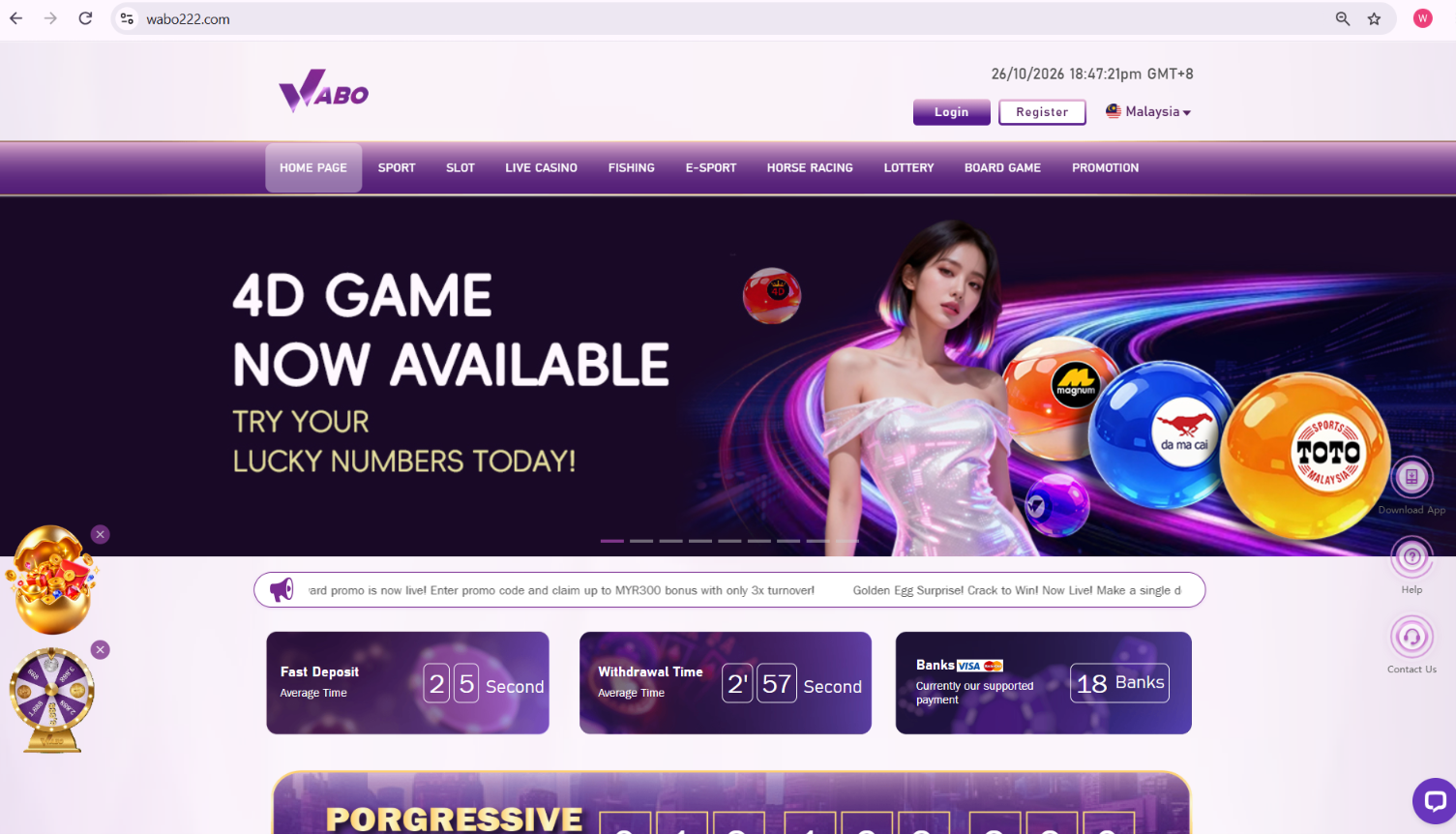
This WABO Malaysia guide explains a practical way to read an international fixture. The arithmetic example is fictional and is not a current match announcement. The supplied WABO images help locate the surrounding navigation, while the competition or club’s actual fixture announcement remains the source for a particular game.
Read a time as a three-part label
A useful fixture entry contains a calendar date, a clock time and a time zone. “20:00” by itself is incomplete when the event and the reader are in different countries. Even an abbreviation should be checked in context rather than assumed to mean the same place everywhere.
Begin with the event identity: teams, competition and stage. Then record the complete time label beside it. If the page offers an automatic local-time setting, read its explanatory label before converting anything. Applying an offset to a time that has already been localised creates a second conversion and an incorrect result.
Convert a stated UTC time once
Malaysia Time is UTC+8. For a fictional fixture listed as 18:30 UTC on a Monday, adding eight hours gives 02:30 on Tuesday in Malaysia. The date changes because the calculation crosses midnight. Write the converted date as carefully as the hour.
This example starts from an explicitly stated UTC time. It does not assume that a European venue always has one fixed relationship with Malaysia. Where another country changes its seasonal clock, check the offset applicable on the match date. A saved conversion from a previous month is not a substitute for the date-specific setting.
Coverage can begin before kick-off
A broadcaster may advertise the start of its programme rather than the first whistle. Studio discussion, team interviews or a pre-match segment can appear before the scheduled game. A video labelled live may therefore be showing coverage even though the fixture itself has not begun.
Keep separate notes for programme start and kick-off if both matter to your plans. When sharing a reminder, say which one it is. “Coverage begins” and “match starts” answer different questions, so merging them into a single unlabeled time makes a perfectly accurate schedule harder for another reader to use.
A changed clock needs an updated source
If two entries still disagree after their zones are aligned, look at their update context. One could be an older preview, a cached result or a fixture announcement published before a schedule revision. Compare the same competition and stage rather than assuming that two similar team names identify the same match.
Open the competition’s fixture page or the clubs’ current announcement and read the full notice. A change to venue, date or broadcast arrangements may be explained there. Preserve that source with the reminder you send. A screenshot is easier to interpret when it includes the time-zone label and the event name.
Build a reminder another person can understand
A clear reminder can be one sentence: the teams, competition, Malaysia date and time, followed by the official fixture link. Add the source’s update date when a change has recently occurred. You do not need a complicated table for one match; you need enough context for the next reader to reconstruct the time.
The WABO Malaysia homepage reference is included as a navigation example, not as evidence for a particular fixture. Use the sports route for event information, then retain the named competition’s source for the schedule itself. This separates a useful brand entrance from the authority that actually announces the match.
A final calendar check
Before saving the reminder, compare the weekday and calendar date once more. This catches the common overnight-conversion error without relying on memory.
Sources and further context
The partner profiles below provide brand background. The topic-specific source supports the explanation above; none of these links replaces a particular service’s current rules.
- Malaysia Time — UTC offset reference
- Tribuna — WABO brand background
- Betting Insider — WABO brand background
Continue with WABO MY.
Frequently asked questions
What does UTC+8 mean for Malaysia?
Malaysia Time is eight hours ahead of UTC. Add eight hours to an explicitly stated UTC time and check whether the date changes.
Should I convert an automatically localised time again?
No. First read the page’s displayed zone or local-time setting to avoid applying the offset twice.
Is a broadcast start always the kick-off?
No. Coverage can begin with a pre-match programme. Read the label attached to each time.
What if two schedules disagree?
Align their time zones, confirm the same event and check the competition or club’s latest fixture announcement.