

Someone sends you a screenshot of a mobile search for MYR888. The result title shows one name, the text below mentions WABO and the printed address is shortened. A useful reply begins by writing down what the result actually shows. This helps a reader distinguish the search label, the page it points to and any claim about who operates it.
Write down the search and the result as separate observations
Keep the exact search term, date and visible search-result host. Then copy the title and the short description on separate lines. Note whether the screenshot came from a normal search result, an ad, autocomplete or a shared preview. The source of the text matters. A screenshot of a suggestion only shows what appeared in the input list, while a screenshot of a result card also shows a visible source line.
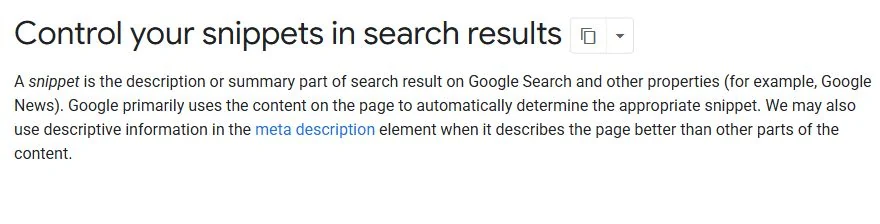
Google can generate the short description from the linked page and show a different extract for a different query. If a description mentions two names, check where each name appears on the page and in what context. Compare the description with the publisher’s own wording about its identity. Google Search Central’s explanation of search snippets.
Compare the displayed host with the actual destination
On a desktop, a link preview can show more of the destination. On a phone, the browser’s address field can show the full public address after loading a page you already recognise. Write down the host at that point. A name in a page path, a search title or the query string is a separate observation from that host. If an unfamiliar address leads straight to a sign-in or download prompt, stop there and confirm the route through a known source before taking any account action.
Suppose a fictional result says “MYR888 mobile guide” and lists guide.example. After opening a known public source, the address bar shows help.example. Your note should retain both addresses and the change between them. The result’s title alone does not identify the publisher of the final page. This example uses reserved illustrative names and makes no claim about a live result.
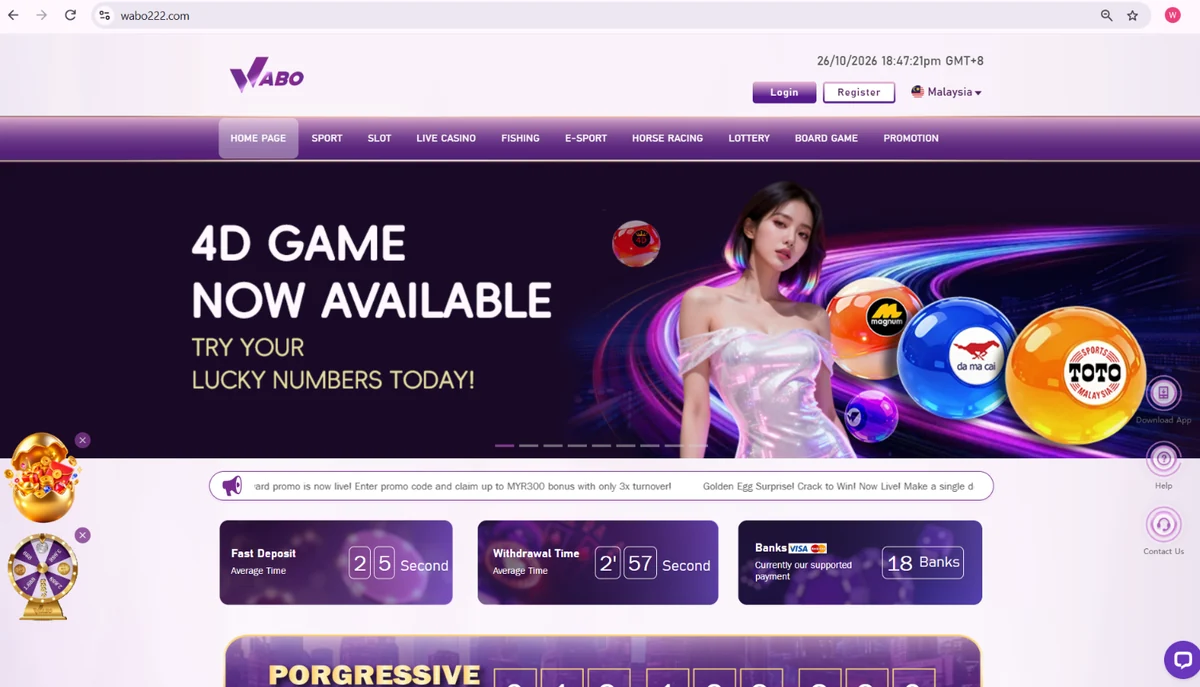
For a direct comparison, open WABO MY in a normal browser tab and note the final host shown in the address bar.
Describe the available evidence without turning it into a brand claim
| Record | Example wording |
|---|---|
| Query and result | I searched MYR888 and saw a result whose description mentioned WABO. |
| Address | The visible result host and the final public page host were different. |
| Page information | The destination displayed a guide and named its publisher. |
| Open question | Any relationship between these names requires a separate statement from the publisher or another primary source. |
Use the same method when comparing results across devices
A screenshot from another phone can show a different title or result order. Keep its date and region if known. Compare the hosts and public page titles first, then compare the displayed descriptions. For WABO readers checking the result from Malaysia, record what the page actually displays about language or region. A local search setting can change what you see. Verify eligibility directly from the relevant published terms.
A shareable note can stay simple: “On this date my search showed the following title and visible host. The public page I checked had this address and publisher.” If the original screenshot lacks the host line, ask for that public detail or leave the destination unconfirmed. This gives the next reader a check they can repeat without exposing login details or treating a familiar name as proof of ownership.
Related reading · WABO MY guide to checking a web address